Progress Indicator
The progress indicator is an optional badge that sits alongside the bar and tells the reader exactly how far they've gone — as a percentage, as a time remaining, or both.
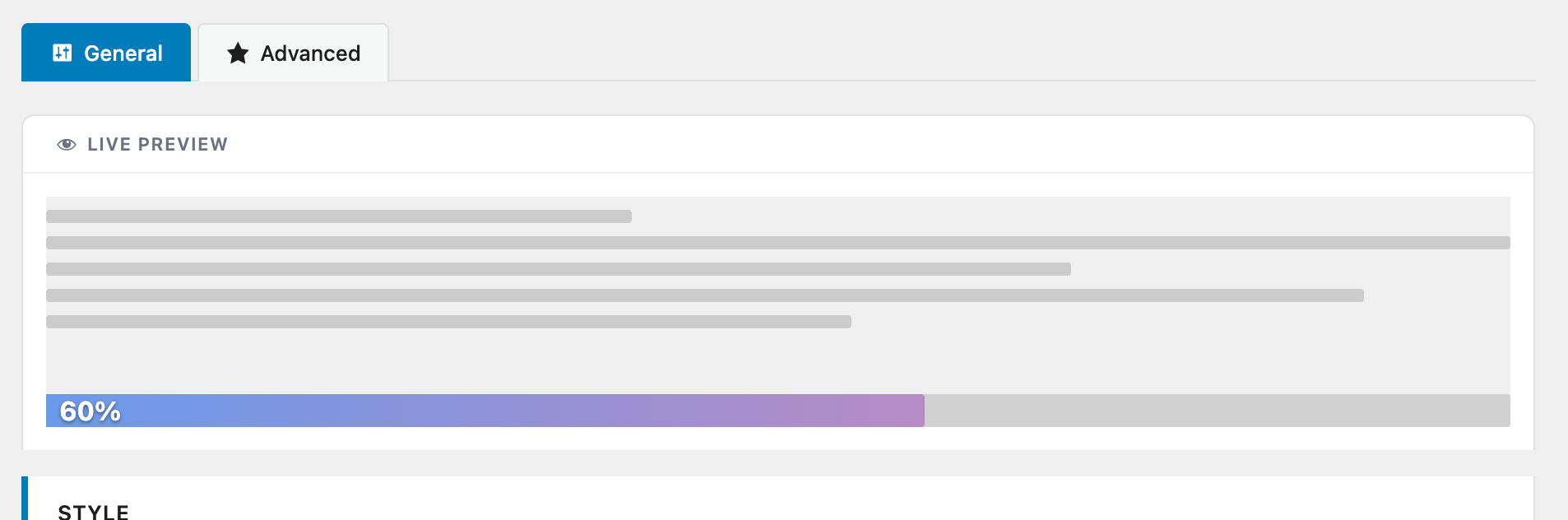
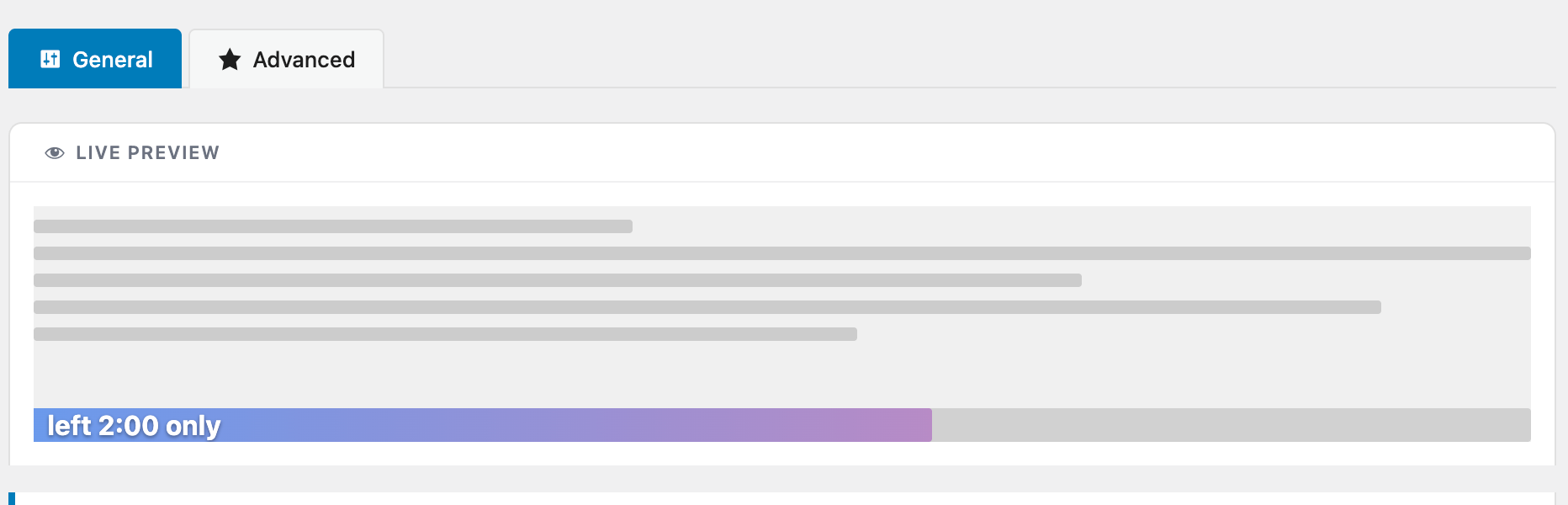
All options
| Option | Values | Default |
|---|---|---|
| Type | None / Percentage / Time remaining / Both | None |
| Position | Inside bar / Left / Right | Inside |
| Text size | Auto / 8 – 32 px | Auto |
| Text color | Auto (contrast) / Fixed color | Auto |
| Reading speed | 100 – 400 wpm | 200 |
| Time format | Minutes only / Minutes + seconds | Minutes |
| Prefix | Any text (e.g. Just ) | — |
| Suffix | Any text (e.g. left) | — |
Text color "Auto" picks black or white automatically based on the bar color, so the label always stays readable, even if you change the bar to a light or dark color later.
Prefix and Suffix let you build natural-sounding labels like Just 2 min left or Read 45 % without touching any template.
Calculating the time remaining
When the indicator type includes Time remaining, ReadNinja uses the article word count and your configured reading speed to estimate how much is left to read.
// Formula used internally
const remainingSeconds = (wordCount * (1 - progress / 100)) / wpm * 60
wordCount— total number of words inside the progress source element.progress— current reading progress, from 0 to 100.wpm— the Reading speed setting, in words per minute.
Concrete example
Take an 800-word article with the default reading speed of 200 wpm. The reader has scrolled through 50 % of the article:
remainingSeconds = (800 * (1 - 50/100)) / 200 * 60
                 = (800 * 0.5) / 200 * 60
                 = 400 / 200 * 60
                 = 2 * 60
                 = 120 seconds
With the default Minutes only time format, the badge shows 2 min. With Minutes + seconds, it shows 2:00.
Lowering the reading speed to 150 wpm on the same article at the same progress would display 2:40 (160 seconds). Raising it to 300 wpm would display 1:20 (80 seconds).